
Muse can work beside your Chrome tabs. Check which accounts are already signed in.
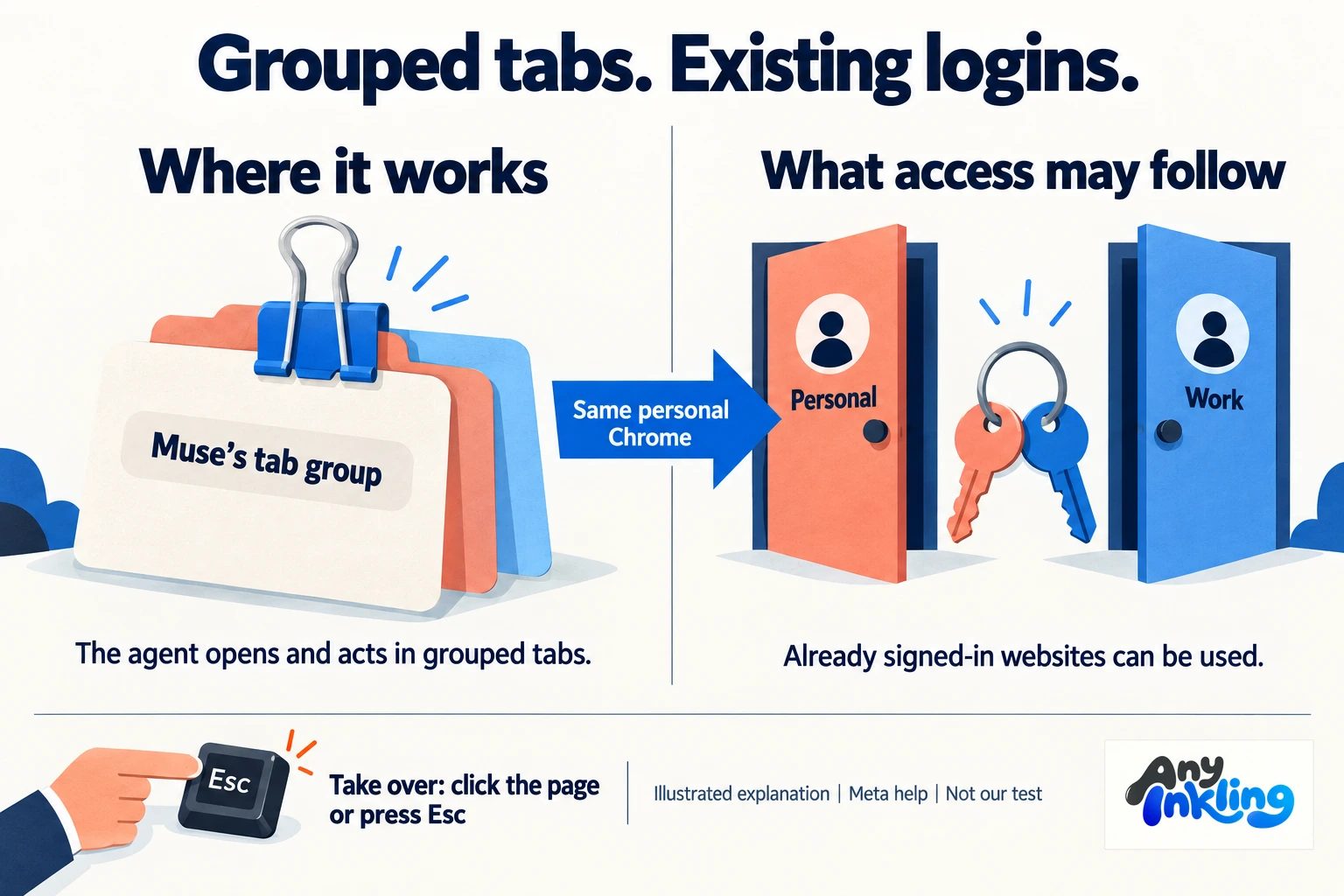
Muse's Chrome sidebar brings the assistant alongside the page you are using. The practical change is access: Meta says it can work through accounts already signed in to your personal Chrome, so knowing what is open matters as much as knowing how to pause it.
- Alexandr Wang called attention to the Muse Chrome extension on 20 November at 09:38 MYT, describing his announcement as belated. TestingCatalog had already reported the store listing on 13 November. This is a fresh announcement of an existing extension, not evidence that the capability launched today.
- Meta's help page says the extension puts Muse in Chrome's side panel. Muse opens tabs in its own group and can act in those tabs using your personal Chrome, including websites where you are already signed in.
- The useful difference is working alongside the page instead of moving the task into a separate browsing session. Meta lists forms, purchases and appointment bookings among its browsing uses; those are described capabilities, not tasks we have tested through this extension.
- An existing login is useful access, not a fresh permission decision each time. Meta says Muse can use signed-in websites without asking for login details again. An account you leave open may therefore be available to the agent while it works in its grouped tabs.
- Our takeaway: check which accounts are signed in before connecting the extension. Meta specifically advises logging out of accounts you do not want Muse to use. State the task's limits and check the proposed action before allowing a consequential step.
- Know the takeover controls before starting: Meta says clicking the page, pressing Esc or moving a tab out of the Muse group pauses its activity or lets you take over. Watch the work rather than treating the sidebar as proof that it is correct.
- Keep access separate from privacy guarantees. Meta says saved passwords, browsing history and Chrome settings are not visible to Muse and webpage passwords are removed from text. It also says activity may be attributed to you and affect ads or recommendations. The store declares data categories including web history, authentication information and website content.
Generated conceptual comparison: grouped task tabs beside already signed-in personal and work accounts, with an Escape-key takeover control. This is not an isolation guarantee or a product screenshot.
The original X post is dated 20 November 2026, 01:38:38 UTC, equivalent to 09:38:38 MYT. Wang's own belated wording and TestingCatalog's 13 November article establish announcement versus prior discovery. Digital Trends supplies context; its displayed 19 November 9:49 PM has no verified timezone here and is not used to date the announcement. Meta help and the Chrome Web Store establish the described access/control model, not independent security or task-success proof. Store privacy categories describe declared collection and use; they are not the same claim as model visibility into saved browser history. We did not install, connect or test the extension, grant account access, book, buy or measure savings. No claim about Malaysian eligibility, subscription terms, a universal approval requirement or guaranteed merchant support is made. The artwork is a generated explanation with fictional people and a stylised browser, not a product screenshot.
Alexandr Wang, original 20 November announcement ↗
Meta help: how the agent browses ↗
Muse from Meta, Chrome Web Store ↗