
A writer asked Muse to put deadlines and interviews on one dashboard
What
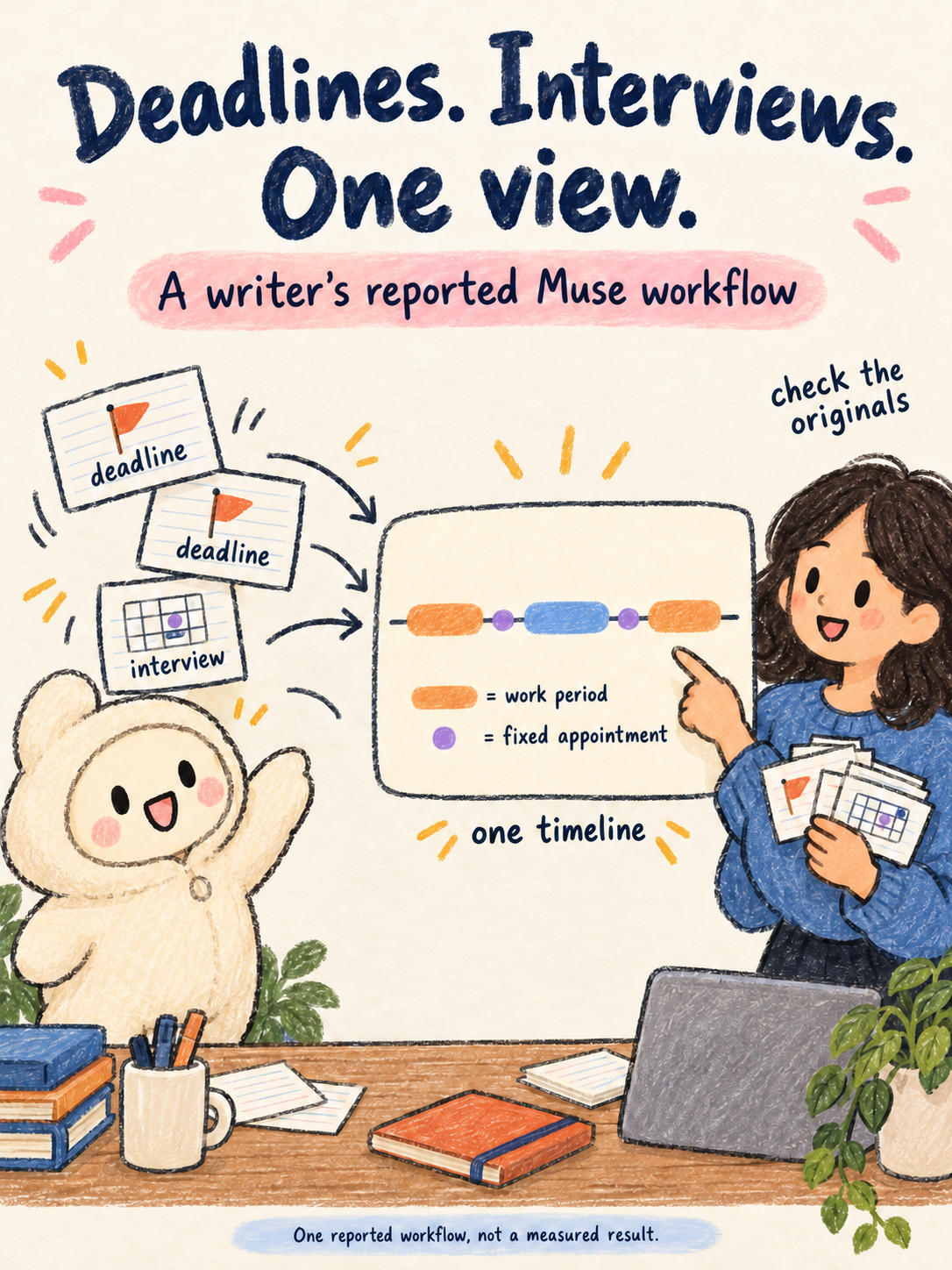
- ITmedia writer Tatsuya Yamamoto says he asked Muse to make a dashboard for managing his projects. It showed days until deadlines and each project's work period as a Gantt chart, a timeline with a bar for each piece of work.
- He says the dashboard also read interview appointments from his Google Calendar and displayed them alongside the project information. He describes asking for the changes he wanted in ordinary language, without programming knowledge.
- Yamamoto says he made this particular dashboard using his free plan. That describes his experience, not a guarantee of current access, capacity or cost for every reader. The article does not provide an independently checked accuracy or time-saving result.
- A deadline tells you when work is due. A work-period bar and an interview appointment show more of what has to fit before it. Bringing them into one view can make the next planning decision easier to inspect.
- The useful beginner angle is asking for the view you need, then refining it. This account is about a writer organizing work, not a requirement to learn to program or hand over control of a calendar.
- Start with a small fictional project list: a name, deadline, expected work period and any fixed appointment. Ask for a single view that keeps the inputs visible and marks missing information rather than inventing dates.
- Check the dashboard against the original dates and calendar entries before using it to plan a day. A polished chart is not proof that the source data is complete or that a deadline has been met.
- Keep displaying appointments separate from changing them. If you later choose to use real calendar information, review what access is needed and keep edits, messages and bookings outside the task unless separately requested.
- Yamamoto's ITmedia Mobile article is dated 22 November 2026 and describes his own use. The supplied images show a project dashboard, a 12-18 November calendar view and an email digest covering 12-13 November, not proof that those tasks happened on publication day. Source-image inspection supports the presence of those displayed elements, not live updating, data completeness, accuracy or calendar-permission settings. We inspected the article and the supplied images, not the author's underlying records or connected accounts. Publication metadata conflicts: the page's datePublished uses UTC while its modified time uses a +09:00 offset, so the exact publication time is unresolved and no exact MYT age is claimed. Broader claims elsewhere in the explainer about plans, prices, models, comparisons, availability and privacy settings are not adopted as verified facts. No source image is reproduced.
Sources: ITmedia Mobile · Tatsuya Yamamoto ↗